Windows
Microsoft Store. Windows 10 or 11, 32-bit or 64-bit.
TD Terminal is the terminal of the future for people who connect to servers dozens of times a day and want authentication to simply work: fast, smoothly, and securely. Keep all your connections in one place while the app stores private keys and their passphrases in an encrypted vault. When you log in, TD Terminal fills everything in automatically, with no searching, retyping, or breaking your flow. If a server requires two-factor authentication, the app generates and enters the TOTP code in a fraction of a second.
Lets you test an SSH connection to your server and activate the full version after purchasing a license.
Microsoft Store. Windows 10 or 11, 32-bit or 64-bit.
64-bit x86_64 only. Minimum: Ubuntu 22.04 LTS, Debian 12, Fedora 38, or newer.
macOS 12 or newer.
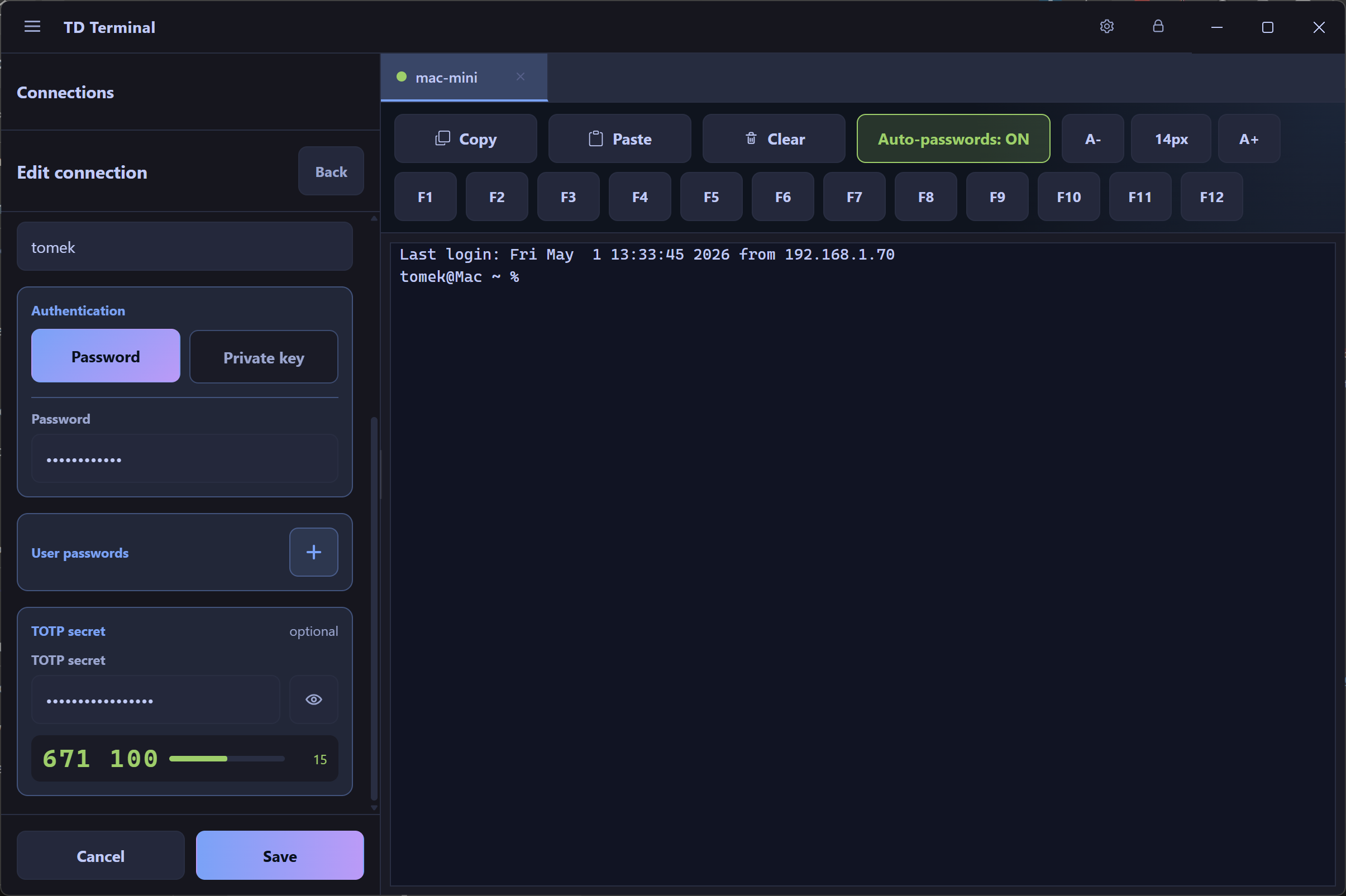
The encrypted vault stores private keys and their passphrases locally in the app.
The app generates the two-factor code and enters it during SSH login.
Connection profiles reduce repeated sign-in steps for frequently used servers.
Hosts, ports, users, and profiles stay organized in one place.
Local, remote, and dynamic SOCKS tunnels help you work with services behind a server.
The same profile-based workflow runs on Windows, Linux, and macOS.